
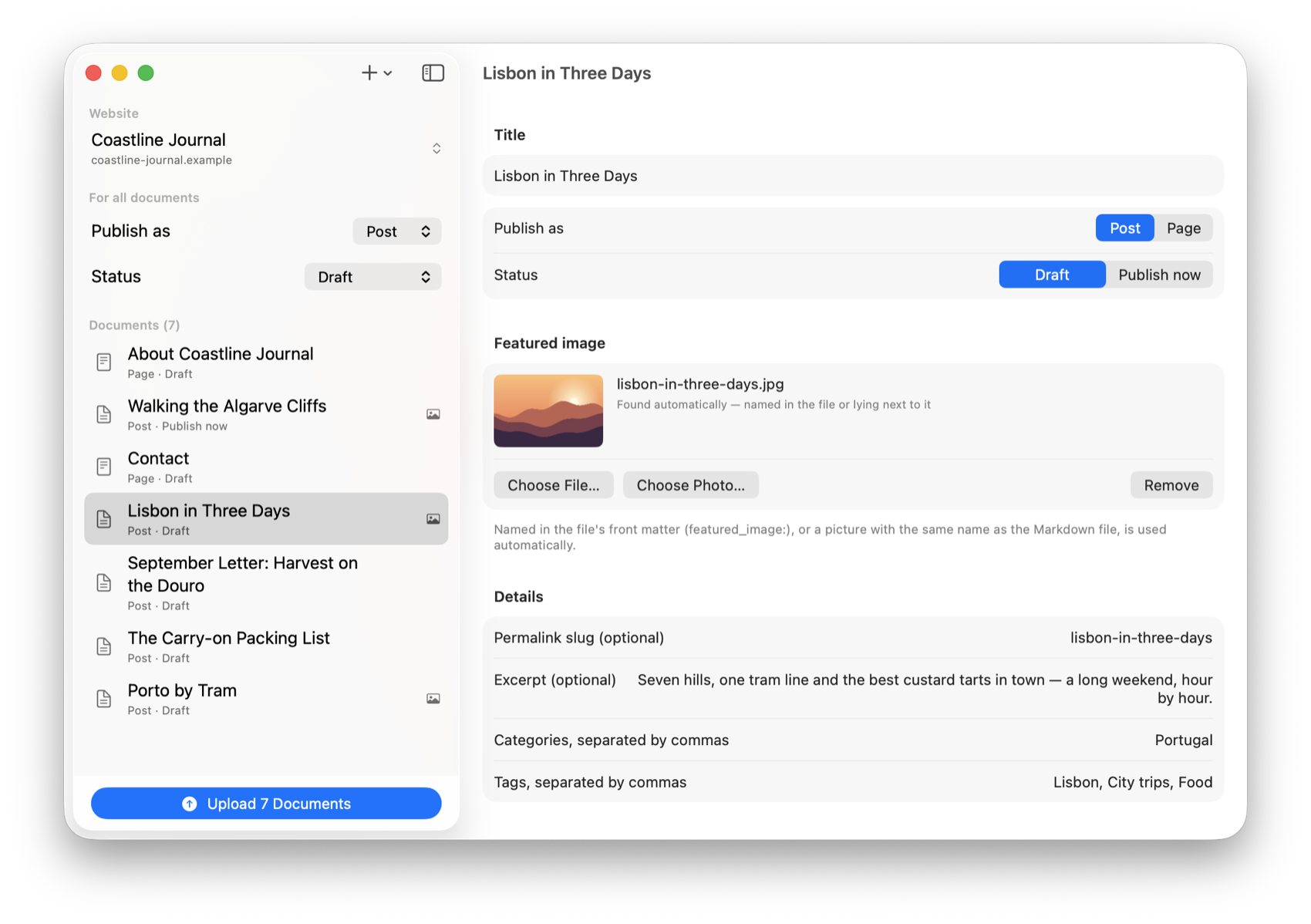
Step 1
Add files. Or a whole folder.
Pick single files, choose a folder including its subfolders, or drag everything into the window. AutoPress reads each title from the front matter, the first heading or the file name.
For iPhone, iPad and Mac
Hybrid AutoPress uploads many Markdown files to WordPress in one go. Every file becomes a post or a page, with headings, links, lists, tables and images, saved as a draft or published right away.
Step 1
Pick single files, choose a folder including its subfolders, or drag everything into the window. AutoPress reads each title from the front matter, the first heading or the file name.
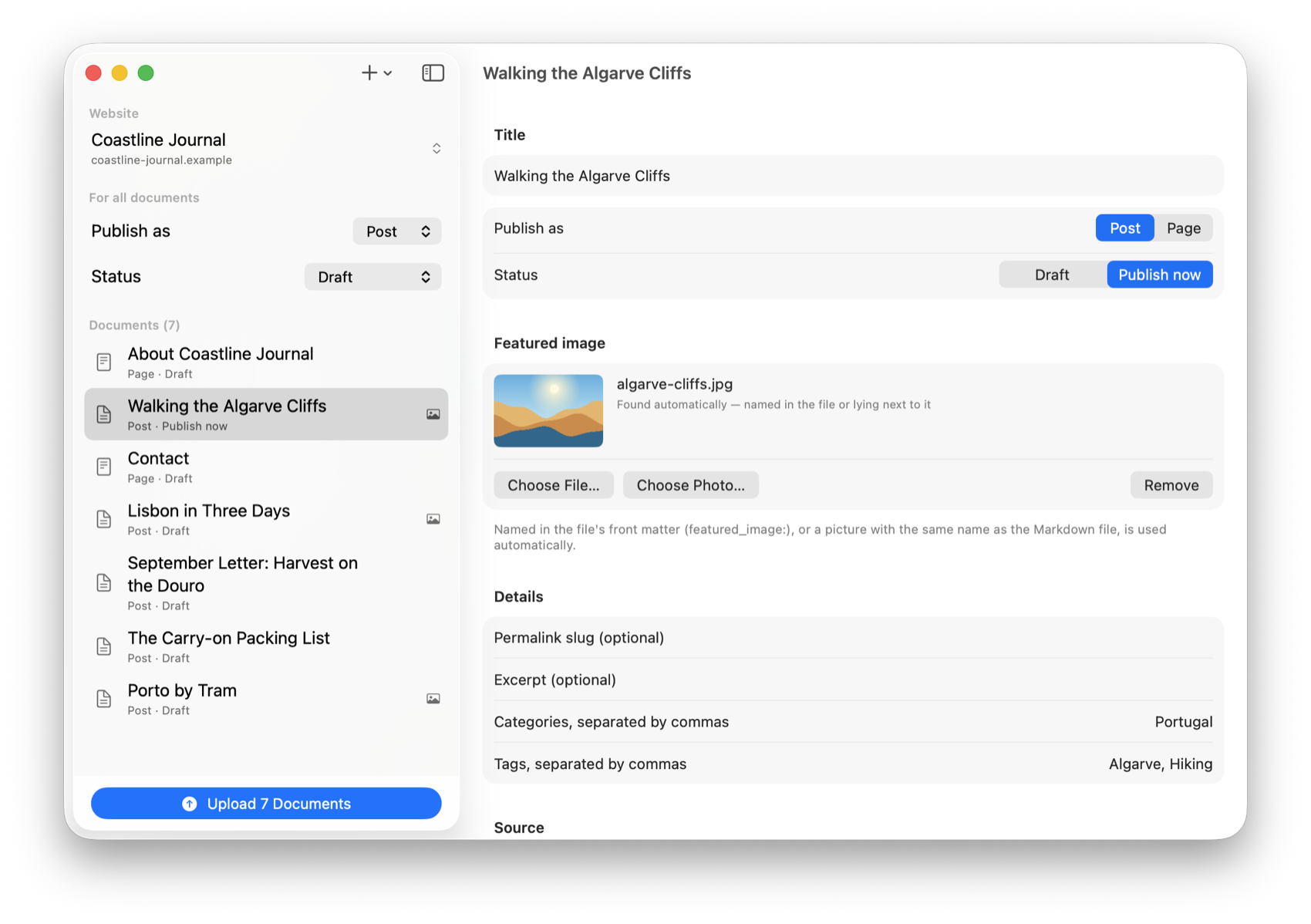
Step 2
Post or page, draft or live: set it once for all documents and override it for any single one. Before anything is published immediately, AutoPress asks once.
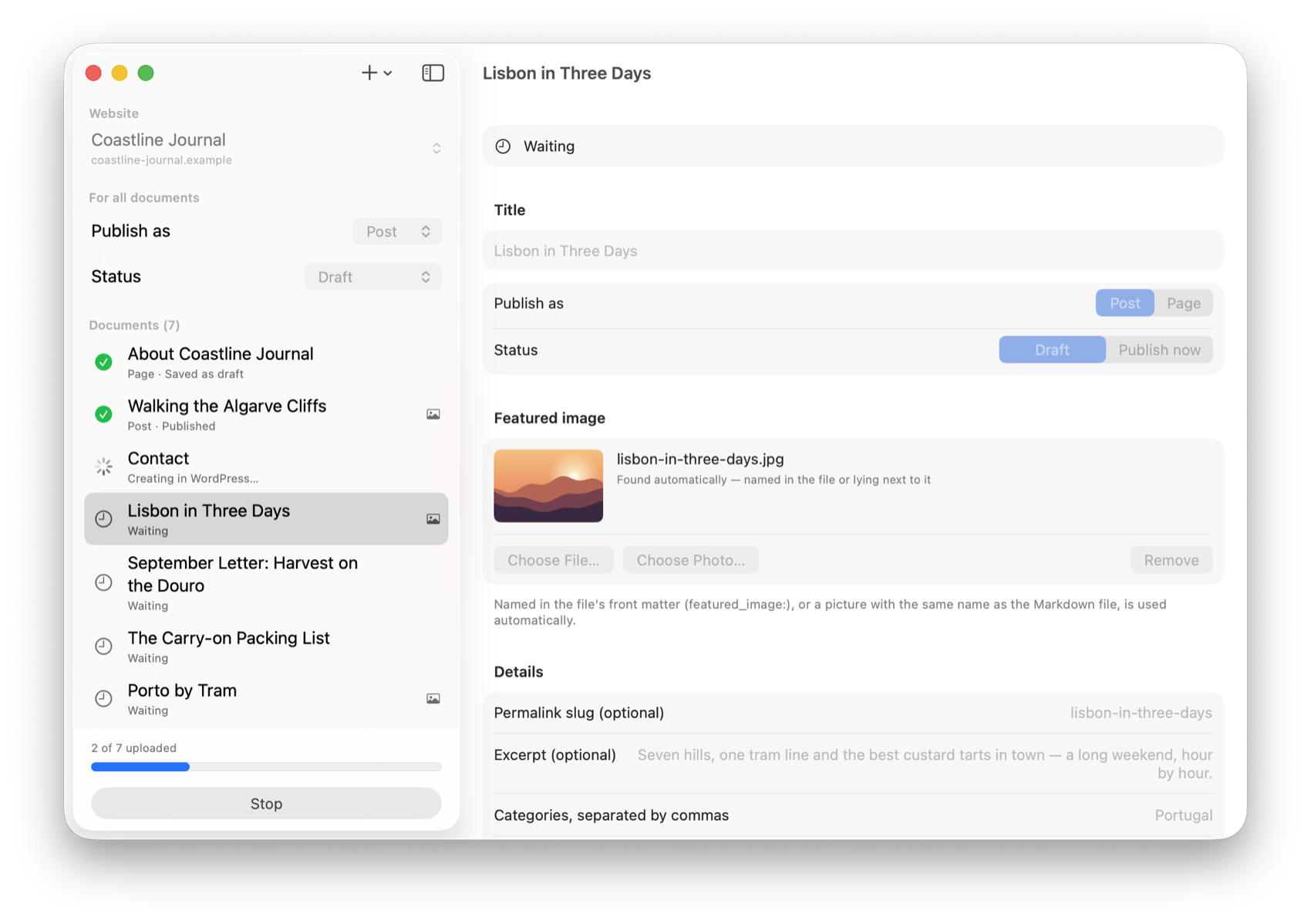
Step 3
One document after the other is created in WordPress, its images first. A progress bar shows how far along you are, and you can stop at any time.
Step 4
Every finished document gets a green check mark and a link to view it on the site or to keep editing in WordPress. If something fails, AutoPress tells you why and what to do about it.
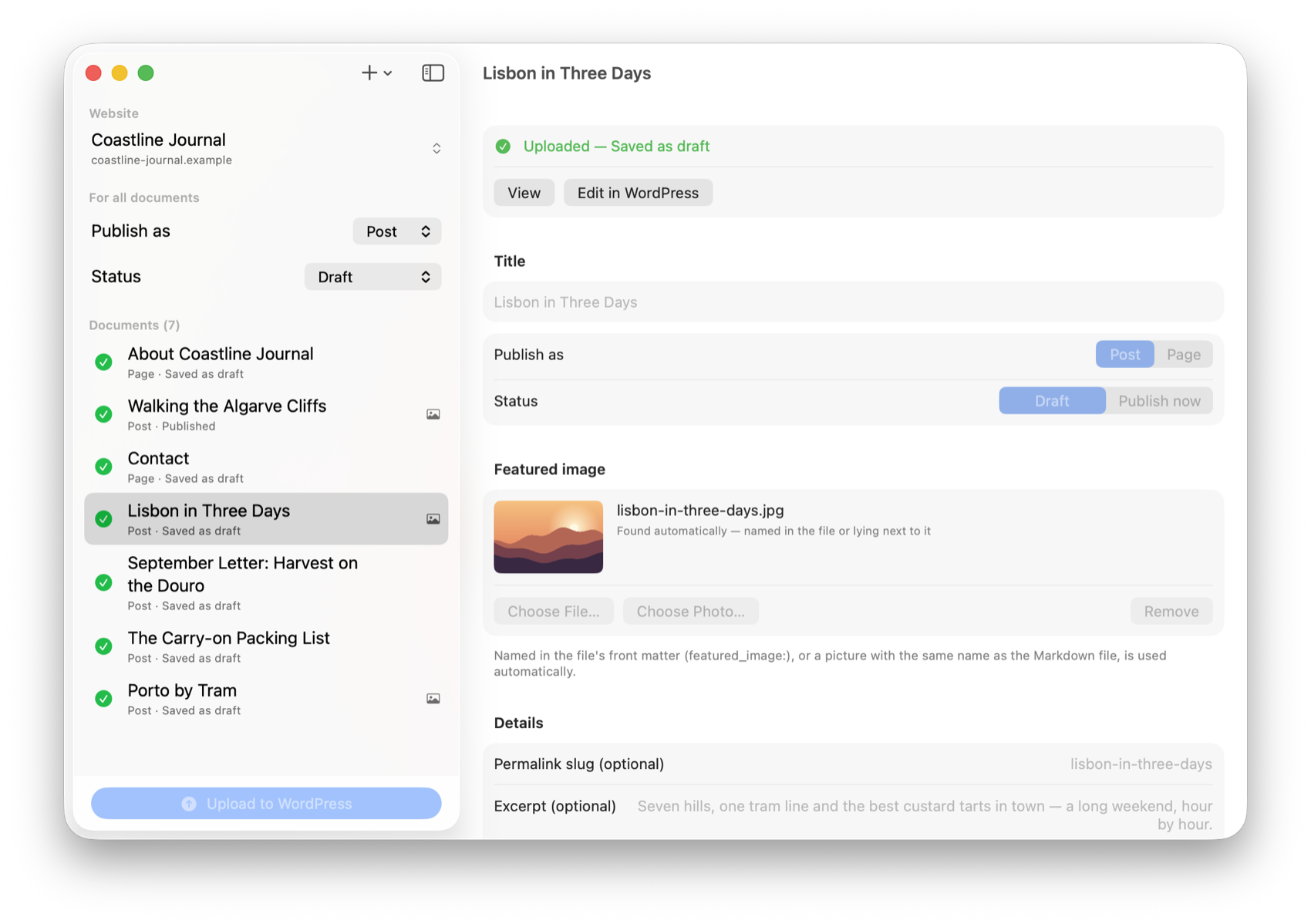
Images
No more uploading images by hand and patching links. What lies next to your Markdown file arrives in WordPress with it.
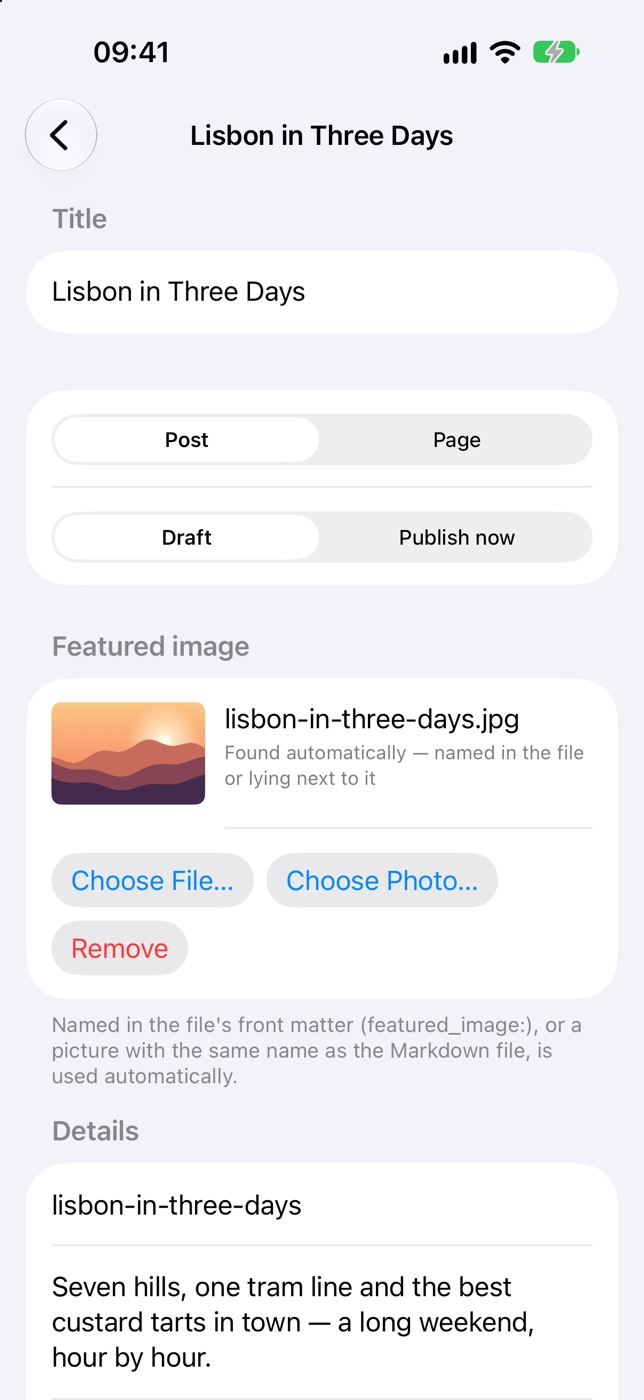
One app, three devices
The same app on iPhone, iPad and Mac. Upload from wherever your files are: iCloud Drive, the Files app or a folder on your Mac.
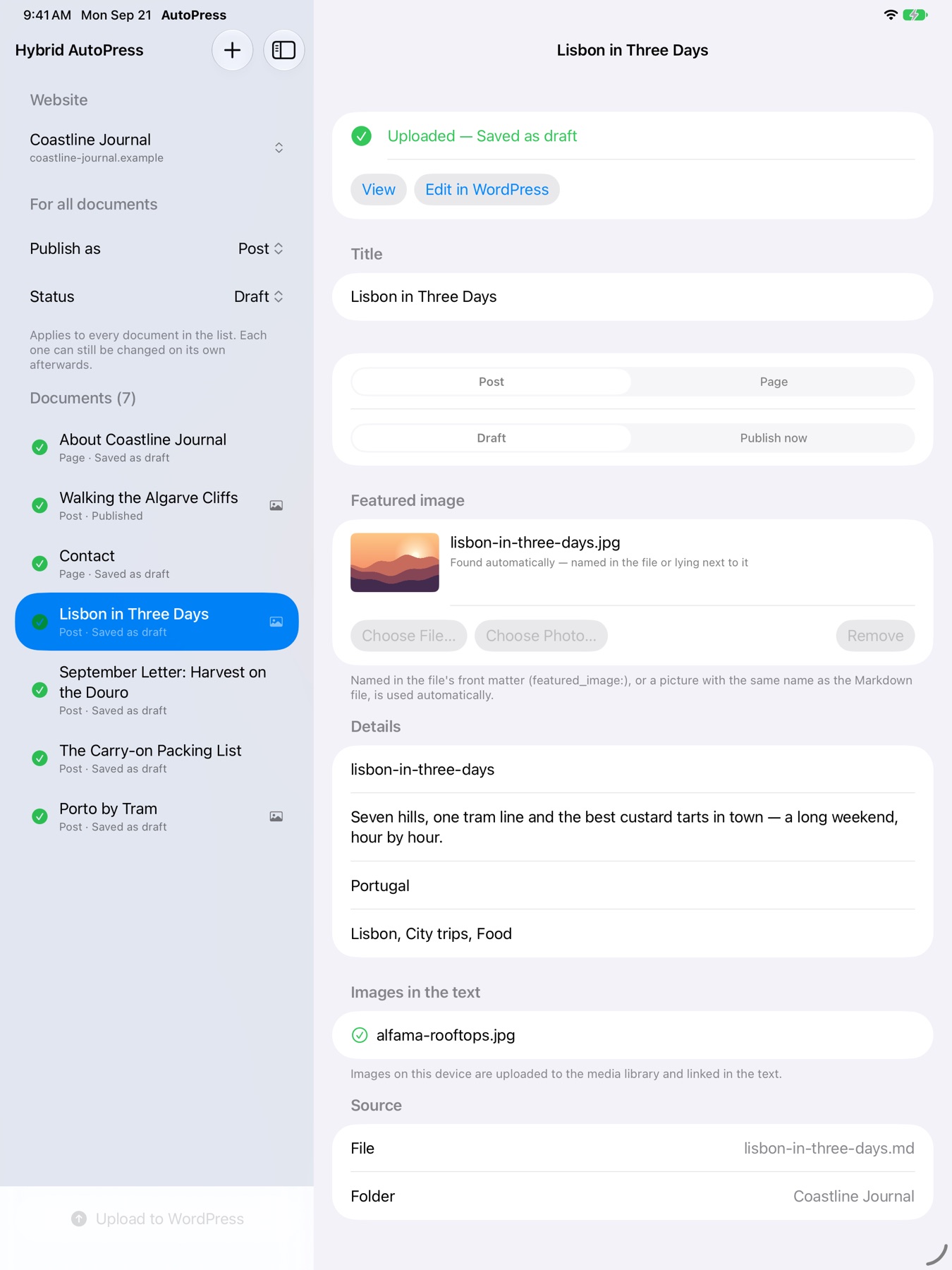

Front matter
Optional front matter controls everything per file. Without it, the first heading becomes the title and does not show up twice in the post.
--- # optional: every line may be left out title: Lisbon in Three Days type: post status: draft slug: lisbon-in-three-days tags: Lisbon, City trips, Food categories: Portugal featured_image: lisbon.jpg --- # Lisbon in Three Days Lisbon rewards people who walk … 
Your WordPress
Sign in through the browser and WordPress itself creates an application password for the app. Or enter one by hand. The REST API is found automatically. WordPress.com sites connect by signing in through the browser.
Never in the settings, never in a file. And only over https: credentials are not sent over an unencrypted connection.
If your server swallows the Authorization header, which is common with shared hosting, AutoPress recognises it and shows the .htaccess line that fixes it.
No account needed, no tracking, no server in between. The app speaks directly to your WordPress.
What you get out of it
Twenty articles no longer mean twenty times copy, paste, upload images, fix links. Add the folder, press upload.
Everything can arrive as a draft. Check it in WordPress and publish when you are happy with it.
The Markdown files on your disk remain the original, readable in any editor, today and in ten years.
Texts from ChatGPT, Claude and the like arrive as Markdown anyway. AutoPress takes them to your site without detours.
Moving a site or starting a new one? Pages and posts go up in a single run, tags and categories included.
Hybrid AutoPress is coming to the App Store: one app for iPhone, iPad and Mac.
Requires iOS 17, iPadOS 17 or macOS 14 · English and German